
Zapier has been the standard tool for years for automating repetitive tasks, but the pricing model doesn’t always make sense for a one-person operation.
The costs add up quickly once you start running multiple workflows with higher step limits.
That’s where dedicated Zapier alternatives for solopreneurs come in.

Several platforms now offer similar, and sometimes better, workflow automation at a fraction of the price. Some even come with lifetime pricing or self-hosted options that give you full control over your data.
Today, I’m going to break down the best automation tools for solopreneurs, how they compare, and which one actually fits your budget and daily workflow.
5 Best Zapier Alternatives for Solopreneurs
Here’s how the top contenders stack up:
| Tool | Best For | Starting Price | Task Model |
| Make | Complex multi-step workflows | $10/mo | Operations |
| Pabbly Connect | Budget-friendly automation | $19/mo (or lifetime) | Triggers only |
| n8n | Technical users & self-hosting | $20/mo (cloud) | Workflow executions |
| Relay.app | AI-driven & approval workflows | Free tier, $15/mo | Runs |
| Bardeen | Browser-based quick tasks | Free tier, $10/mo | Tasks |
Let’s break them down.
Make
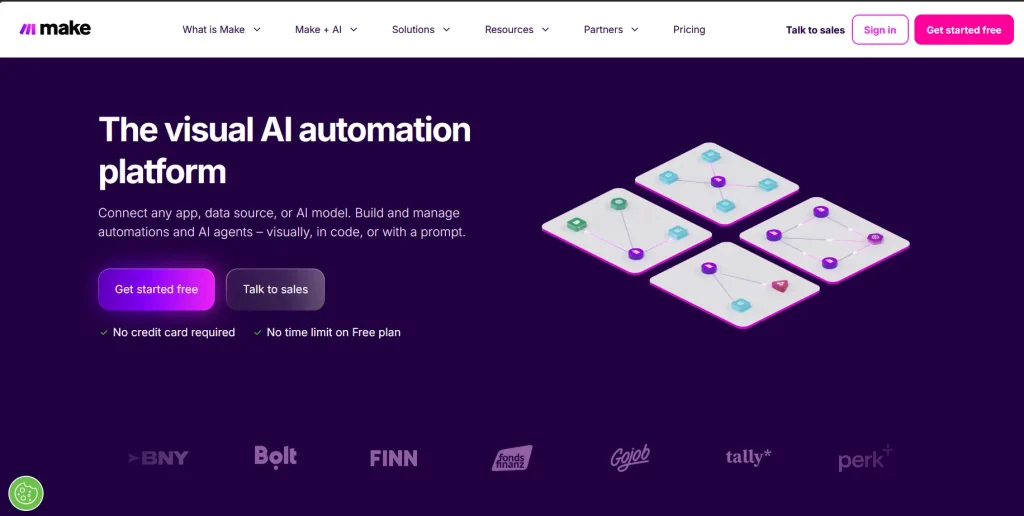
Make uses a visual drag-and-drop builder that lets you map out complex workflows in a way linear automation tools simply can’t.
Instead of straightforward “zaps,” you work with modules and routers, which gives you branching logic, data transformation, and advanced error handling.
If you need to process incoming data, transform it, and route it to multiple destinations based on conditions,
Make is the strongest option. The platform handles thousands of operations efficiently and offers a generous free tier for testing.
Key Features
The key features of Make are:
- Visual scenario builder with routing and filters
- Advanced data transformation functions
- Built-in error handlers and automatic rollbacks
- Webhook and HTTP module for custom APIs
Technical Requirements
Basic understanding of JSON and API logic helps, but isn’t mandatory.
Advantages
Make is highly flexible, cheaper per operation than Zapier. It’s excellent for visual debugging.
Best For Workflows
Make works best for multi-branch automations, data transformation, and high-volume task processing.
2. Pabbly Connect
Pabbly Connect built its reputation around straightforward pricing.
While Zapier charges for every single step in a workflow, Pabbly counts only the initial trigger.
This means a five-step automation costs you the exact same as a two-step one.
It’s a massive advantage for solopreneurs running lead capture sequences, CRM syncs, or email onboarding flows.
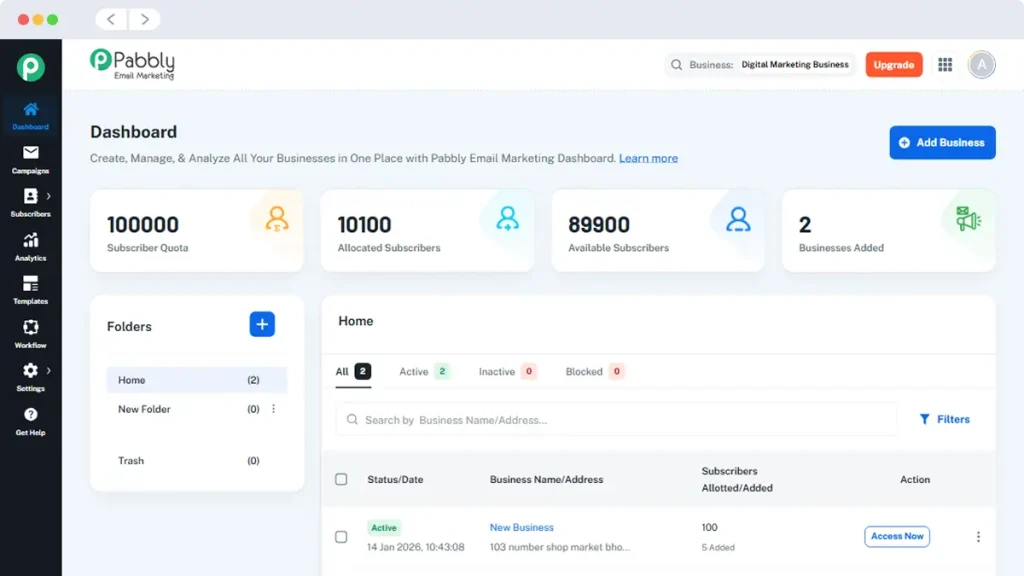
The interface is clean, and the learning curve is shallow. You also get access to their lifetime deal occasionally, which locks in your pricing forever.
Key Features
Pabbly Connects excels on:
- Trigger-only billing model
- Unlimited internal tasks and steps
- One-click integrations for major CRMs and email platforms
- Built-in workflow scheduling and routing
Technical Requirements
You need next to no technical requirements to work with Pabbly Connect. The UI is beginner-friendly to get anyone started from the get-go.
Advantages
Pabbly Connect’s strongest USP is its predictable pricing, lifetime deal option, generous task limits.
Best For Workflows
Pabbly Connect is best for automating lead generation, CRM automation, email marketing sequences.
3. n8n
n8n takes a different approach. It’s a source-available workflow automation tool that you can self-host for free or use their managed cloud version.
The node-based editor looks clean, and it gives you full control over the data passing through each step.
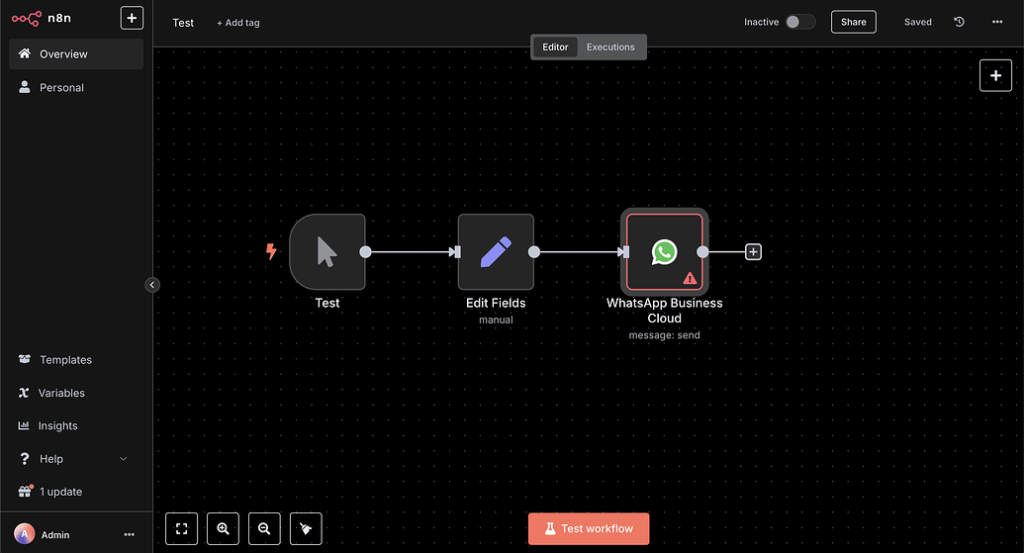
If you’re comfortable with a bit of technical setup or want to keep your client data on your own server, n8n is hard to beat.
The platform supports complex logic, custom JavaScript execution, and deep API integrations. It’s also heavily updated by an active developer community.
Key Features
n8n boasts these key features:
- Self-hosted or managed cloud options
- Visual node editor with JavaScript support
- Webhook triggers and custom API nodes
- AI agent integration and data processing nodes
Technical Requirements
Basic server management for self-hosting. Cloud version requires zero setup.
Advantages
n8n makes a statement for itself for its user accessibility to complete data control. It’s also highly customizable, and best cost-effective alternative to Zapier at scale.
Best For Workflows
Technical solopreneurs, data-heavy pipelines, privacy-conscious businesses.
4. Relay.app
Relay.app focuses on simplicity and human-in-the-loop automation.
Instead of building rigid workflows that run entirely in the background, Relay lets you pause for approvals, collect manual inputs, and integrate AI steps without writing code.
The interface is clean and modern. You connect your apps, define the trigger, and add manual checkpoints where you or a client can review data before it moves forward.
It’s particularly useful for solopreneurs who sell services and need client feedback baked directly into the automation.
Key Features
Relay.app allows:
- Human approval steps and manual triggers
- Native AI integration for content generation and summarization
- Slack and email notifications for workflow pauses
- Simple drag-and-drop editor
Technical Requirements
Basic app connectivity knowledge.
Advantages
Relay.app comes AI-ready. It’s excellent for service-based businesses, and easy to use.
Best For Workflows
Relay.app is best for client onboarding, approval pipelines, AI-assisted content creation.
5. Bardeen
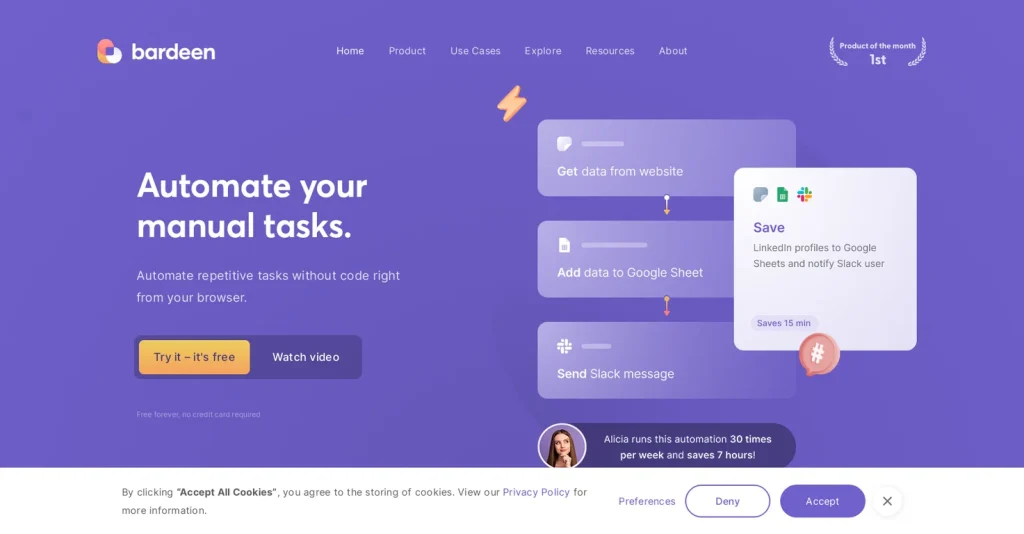
Bardeen is a browser extension that automates tasks directly on the websites you visit.
Instead of waiting for a webhook to fire, you trigger automations manually or on a schedule while working in your browser.
It’s perfect for quick research, data scraping, CRM updates, and social media posting.
You don’t need to build complex scenarios. You just click, select the action, and run it. The free tier covers most basic solopreneur tasks.
Key Features
Bardeen focuses on these key features:
- Browser-based automation with extension
- Pre-built templates for scraping and data entry
- AI-powered extraction and summarization
- Manual or scheduled triggers
Technical Requirements
No technical requirements required to operate Bardeen. It runs entirely in the browser.
Advantages
Instant setup, no server needed, great for research and admin tasks.
Best For Workflows
I use Bardeen for web scraping, manual admin work, quick data transfers for my business.
What to Look for in an Automation Tool for Solopreneurs
What actually matters for a one-person business AI automation tool? Not every platform will suit your needs. Here are the key factors I always check:
– Task pricing structure. Does it charge per operation, execution, or step?
– Ease of use. How steep is the learning curve?
– Integration coverage. Does it connect with the apps you already use daily?
– Reliability and error handling. Does it recover from failed tasks without breaking your entire workflow?
– Scalability. Can it handle your workload as your client list grows?
How to Choose the Right Automation Platform
The best tool depends entirely on how you work. If you run complex data flows and need branching logic, Make will give you the control you want.
If you’re tired of step-based billing and want predictable costs, Pabbly Connect is the straightforward choice.
For those who want full control over their data and don’t mind a technical setup, n8n delivers unmatched flexibility.
If your work involves client approvals or AI content generation, Relay.app simplifies the process.
And if you spend most of your time in a browser doing repetitive clicks, Bardeen will save you hours.
I usually recommend starting with a free tier or trial on two platforms.
Run your most frequent workflow through both. Compare the task consumption, the setup time, and how each handles errors.
That direct comparison will tell you more than any pricing page ever will.
The Bottom Line
Switching away from Zapier doesn’t mean losing automation capabilities. The platforms on this list cover everything a solopreneur actually needs without the bloated pricing.
Pick the one that matches your workflow complexity, stick with it, and build out your systems gradually.
Automation should reduce your workload, not create more administrative overhead.
Once you find the right tool, document your workflows, test them thoroughly, and let them run in the background while you focus on growing your business.