
The average business professional has to deal with 117 to 126 emails per day.
Don’t believe me? Google it.
As a solo business owner, you are the salesperson, every hour you spend in your inbox is an hour you are not earning.
An AI email assistant changes that. It drafts replies in your voice, summarizes long threads, sorts what is urgent, and handles the repetitive stuff automatically.

This guide covers the best AI email assistant for solo business owners currently in 2026, what each tool is actually good at, and how to choose the one that fits how you work.
Table of Contents
Best AI Email Assistants for Solo Business Owners
1. Shortwave – Best AI-Native Gmail Client
Shortwave is built from the ground up around AI. It is not a plugin on top of Gmail. It replaces your Gmail interface entirely.
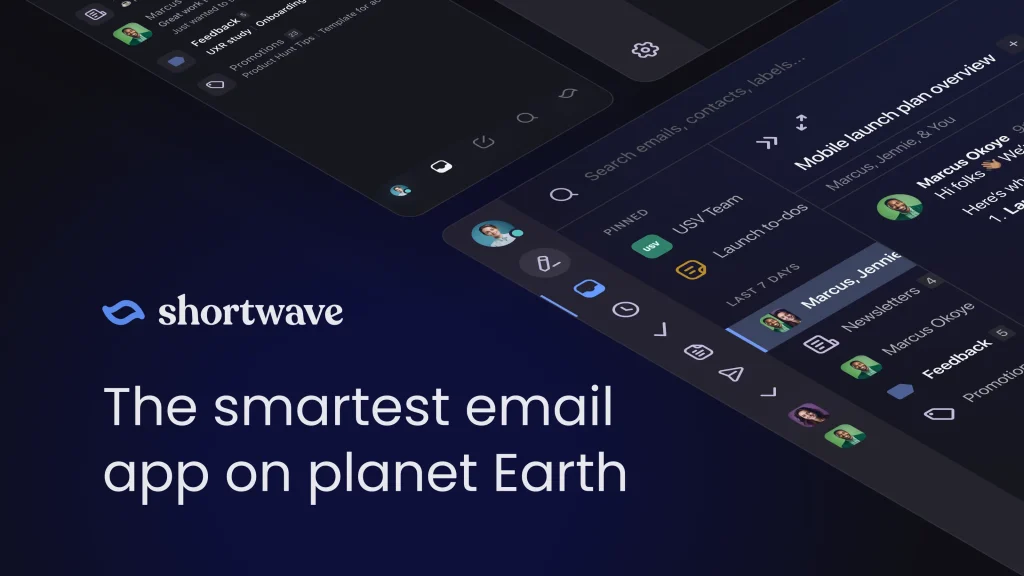
The standout features are Ghostwriter, which learns your writing voice from past sent emails and drafts replies that sound like you, and Tasklet, which connects your inbox to tools like Slack, Notion, Asana, and Google Drive using plain English instructions.
Thread summaries are genuinely useful. A 30-email client thread becomes a single paragraph. You catch up in under a minute.
Best for: Gmail users who want a smarter email client with real AI built in.
Pricing: Free plan available (personal Gmail only). Pro at $14/month. Business at $24/month.
Limitation: Gmail only. No Outlook or IMAP support.
2. Superhuman – Best for Pure Email Speed
Superhuman is the most polished email client available. It was built for one purpose: getting you out of your inbox faster.
The AI features include auto-drafting, one-tap reply suggestions, thread summarization, and read receipts that show you who opened your email and when. After about a week of use, the AI starts drafting replies that genuinely sound like you.
Grammarly acquired Superhuman in July 2025. The combined product now bundles writing assistance across your entire workflow, not just email.

Best for: Solo owners who process high email volume and want the fastest possible workflow.
Pricing: Starts at $25/month.
Limitation: The most expensive option on this list. The price is hard to justify until you are sending 50-plus emails a day.
3. SaneBox – Best for Passive Inbox Filtering
SaneBox does not replace your email client. It works on top of whatever you already use.
It analyzes your email history, learns what matters to you, and automatically moves low-priority emails out of your main inbox. Important messages stay visible. Newsletters, cold outreach, and notifications get sorted into folders automatically.
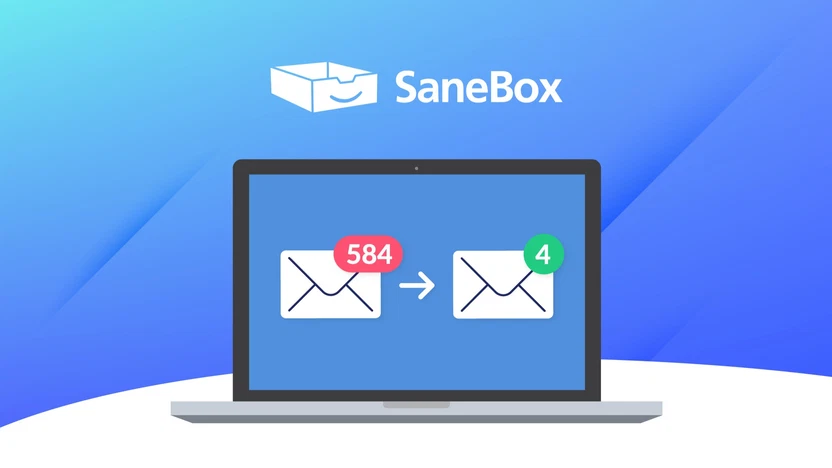
There is no learning curve. You connect your account and it starts working within hours.
Best for: Solo owners who want inbox filtering without switching tools.
Pricing: Starts at $7/month. Plans go up to $36/month based on features and accounts.
Limitation: It filters and sorts. It does not draft replies or automate responses.
4. Alfred – Best for Autonomous Email Handling
Alfred goes further than most tools on this list.
It triages your inbox, drafts replies in your voice, extracts tasks from emails automatically, and delivers a morning briefing that summarizes what needs your attention. It works with both Gmail and Outlook.
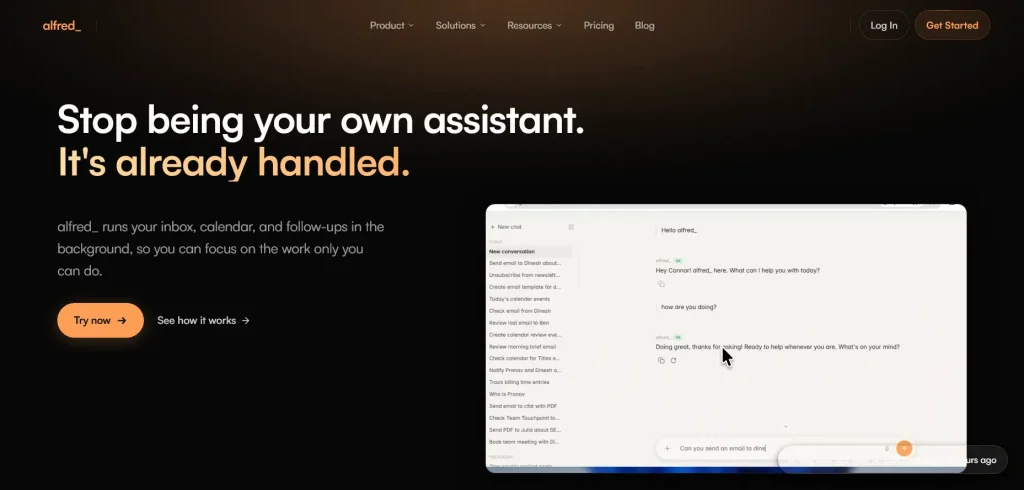
If you want an AI that handles email for you rather than just making email faster to process, Alfred is the closest thing to a real inbox delegate.
Best for: Solo owners who want the most autonomous email handling available.
Pricing: $24.99/month.
Limitation: Higher price point. Overkill if your email volume is low.
5. Spark Mail – Best Budget Option with AI Features
Spark is a cross-platform email client with a solid free plan and AI drafting built in.
It works across Gmail, Outlook, iCloud, and Yahoo. The AI features include reply drafting, email summarization, and smart inbox prioritization. The interface is clean and the learning curve is minimal.
Best for: Solo owners who want AI email features without committing to a high monthly cost.
Pricing: Free plan available. Plus at $10/month. Pro at $20/month.
Limitation: AI features are more basic compared to Shortwave or Superhuman.
How to Choose the Right Tool
Here is a simple way to decide:
Still on Gmail, want a full upgrade? Go with Shortwave.
High email volume, want the fastest client available? Go with Superhuman.
Happy with your current email client, just want a cleaner inbox? Go with SaneBox.
Want AI to handle email with minimal input from you? Go with Alfred.
Want AI features without spending much? Start with Spark.
Do not over-engineer it. Pick one, use it for 30 days, and see how much time it saves. Then decide if you need more.
One person businesses reliant on AI are growing every passing day. And AI email agents are only going to get better with time.
Setting Up Your AI Email Assistant the Right Way
Most people install a tool and never configure it properly. That is why it fails to deliver.
Here is how to get results fast:
1. Train it on your voice.
Most AI email tools learn from your sent emails. The more you have sent, the faster the AI matches your tone. Do not start with a fresh account.
2. Define your priority senders.
Tag your top clients, partners, and leads as high priority from day one. This trains the prioritization system faster.
3. Create templates for your most common replies.
Client inquiry responses, project updates, and follow-up messages all follow patterns. Build those templates. The AI will use them as a base.
4. Let the AI draft, then review.
Do not just auto-send everything from day one. Review AI-drafted replies for two to three weeks until you trust it. Then give it more autonomy.
5. Connect it to your other tools.
If your email assistant integrates with your project management tool, set that up immediately. A new client email should automatically create a task or project card.
Slightly technical Solopreneurs can use free automation tools like n8n or Railway to automate emails and other tasks.
Key Takeaways
- Solo business owners spend up to 28% of their workweek on email. That is time that could go toward billable work.
- AI email assistants either assist you (drafting, sorting, summarizing) or act for you (triaging, responding, automating).
- Shortwave is the best AI-native Gmail client for solo operators.
- Superhuman is the fastest email client available, now backed by Grammarly.
- SaneBox works on top of any existing email client and cleans your inbox passively.
- Alfred is the most autonomous option, handling triage, drafts, and task extraction.
- Spark is the best budget-friendly option with AI drafting built in.
- Set up your tool properly. Train it on your voice, define priority senders, and connect it to your other apps.
- Start with one tool. Use it for 30 days before switching or adding more.
FAQs
Q: Do AI email assistants actually write in my voice, or do they sound generic?
The better tools — Shortwave’s Ghostwriter and Superhuman’s Write with AI — pull from your sent email history to match your tone and phrasing. After one to two weeks of use, the drafts are close enough that most users edit lightly or not at all. Generic-sounding drafts are usually a sign the tool has not been trained on enough of your past emails.
Q: Is it safe to connect my business inbox to an AI email tool?
Reputable tools like Shortwave, Superhuman, and SaneBox use secure OAuth connections and do not store your email content beyond what is needed to run the AI. That said, review the privacy policy before connecting an inbox that handles sensitive client data. Tools like Canary Mail add end-to-end encryption if privacy is a top concern.
Q: What is the best free AI email assistant for solo business owners?
Shortwave has a free plan for personal Gmail accounts with basic AI features. Spark has a free plan that works across multiple email providers. SaneBox does not have a free tier but offers a 14-day trial. If you want to test the category before spending anything, start with Shortwave or Spark.
Q: How long does it take to see results from an AI email assistant?
Most users notice inbox improvements within the first few days. AI drafting quality improves over two to four weeks as the tool learns your writing patterns. The biggest time savings come after you have connected your email assistant to your other tools and set up automation rules for common scenarios.