
Every freelancer hits the same wall eventually.
You take on more clients. You start drowning in admin. Scheduling emails, tracking hours, chasing invoices, and managing projects eat up the time you should spend on actual work.
The fix is not working harder. It is automating the boring stuff.
The good news? You do not need to spend money to do it. There are free automation tools built specifically for the way freelancers work. The right stack can save you five to ten hours every week. That is time you can bill, or time you can rest.
Here is a breakdown of the best free tools, what each one does well, and how to use them without overcomplicating things.
Table of Contents
The Best Free Automation Tools for Freelancers
1. Zapier – Connect Your Apps Without Code
Zapier is the backbone of most freelance automation setups.
It connects over 7,000 apps through simple “if this, then that” workflows called Zaps. When a client books a meeting on Calendly, Zapier can automatically create a Trello card, send a confirmation email, and add the client to a Google Sheet.
Free plan includes: 100 tasks per month and single-step Zaps.
That is enough to automate your most repetitive triggers. Most solo freelancers never outgrow the free tier when they set it up smart.
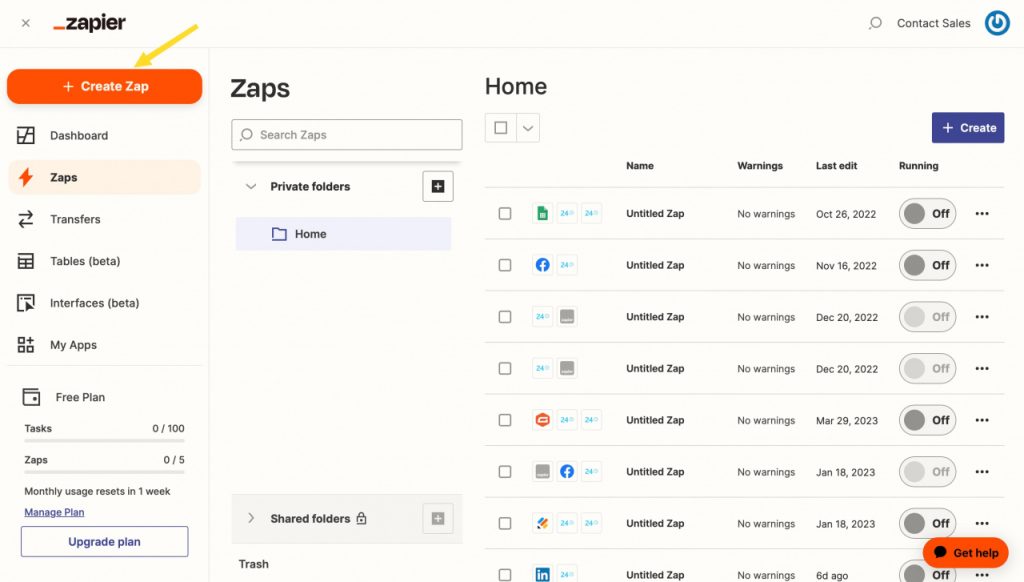
There are very few Zapier alternatives that suits solopreneurs.
Best use case: Connect your scheduling tool to your project management system. Stop doing it manually.
2. Make (formerly Integromat) – More Power on the Free Plan
Speaking of Zapier alternatives, Make makes a really strong impression for solo businesses too.
Make is Zapier’s main competitor, and the free plan is more generous.
You get 1,000 operations per month and multi-step workflows. That means you can build more complex automations for free. Think: a client fills out a form, Make creates a project folder in Google Drive, logs the client in Notion, and sends them a welcome email.
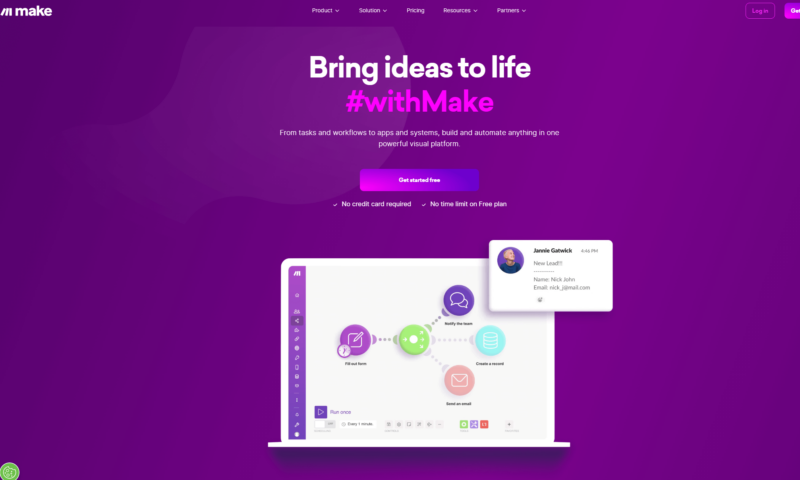
Free plan includes: 1,000 operations/month, unlimited scenarios.
If Zapier’s free tier feels limiting, Make is the upgrade you do not have to pay for.
Best use case: Multi-step client onboarding flows that would otherwise take 20 minutes each time.
3. Trello with Butler – Visual Project Management That Automates Itself
Trello is a Kanban board tool, but the automation built into it is what makes it useful for freelancers.
Butler, Trello’s built-in automation, lets you create rules without touching a single line of code. Move a card to “Done,” and Butler automatically archives it, sends a notification, and adds a due date to the next task.
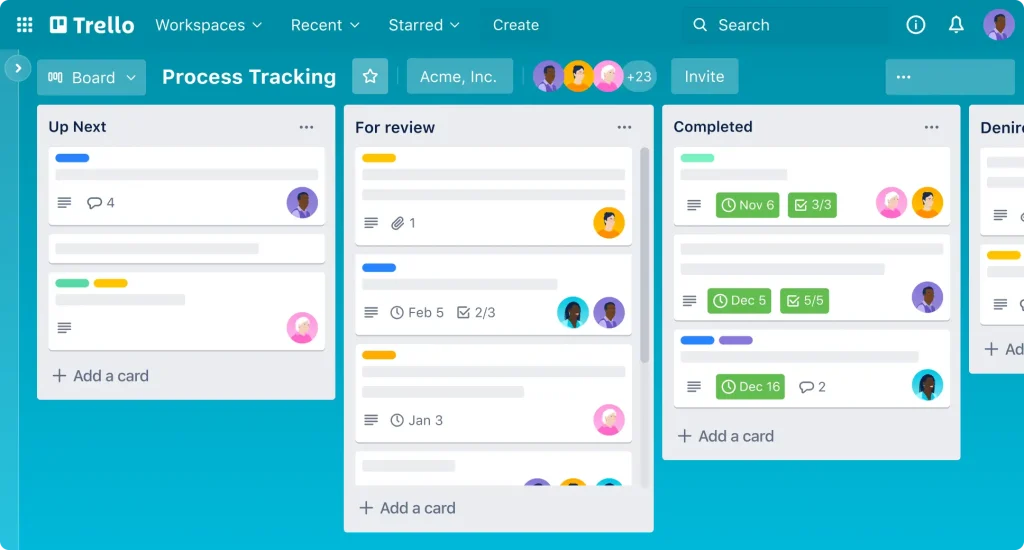
Free plan includes: Up to 10 boards, unlimited cards, and 250 automated commands per month.
For a solo freelancer juggling five or six clients, that is more than enough.
Best use case: Project tracking with automated status updates so clients never have to ask where things stand.
4. Notion – Your Free Business Operating System
Notion is not just a note-taking app. Used right, it becomes your entire freelance back office.
The free plan includes unlimited pages, basic templates, and space for up to 10 guests. You can build a client CRM, a content calendar, an invoice tracker, and a personal task list, all in one place.

Pair it with Zapier or Make and you can automate data flowing in and out. A new project in Trello creates a Notion page. A Calendly booking logs the client in your Notion database.
Free plan includes: Unlimited pages, 10 guests, and basic integrations.
Best use case: Centralizing everything so you are not hunting across five different apps for client information.
5. Clockify – Free Time Tracking With No Limits
Clockify is the best free time tracking tool available for freelancers, full stop.
The free plan gives you unlimited projects, unlimited users, and detailed weekly reports. You track time with one click, assign it to a client or project, and export invoiceable reports to PDF or CSV.
Most competing tools cap users or projects on their free tier. Clockify does not.
Free plan includes: Unlimited users, unlimited projects, time tracking, and basic reporting.
If you bill hourly and you are not tracking time properly, you are leaving money on the table. Clockify fixes that for zero dollars.
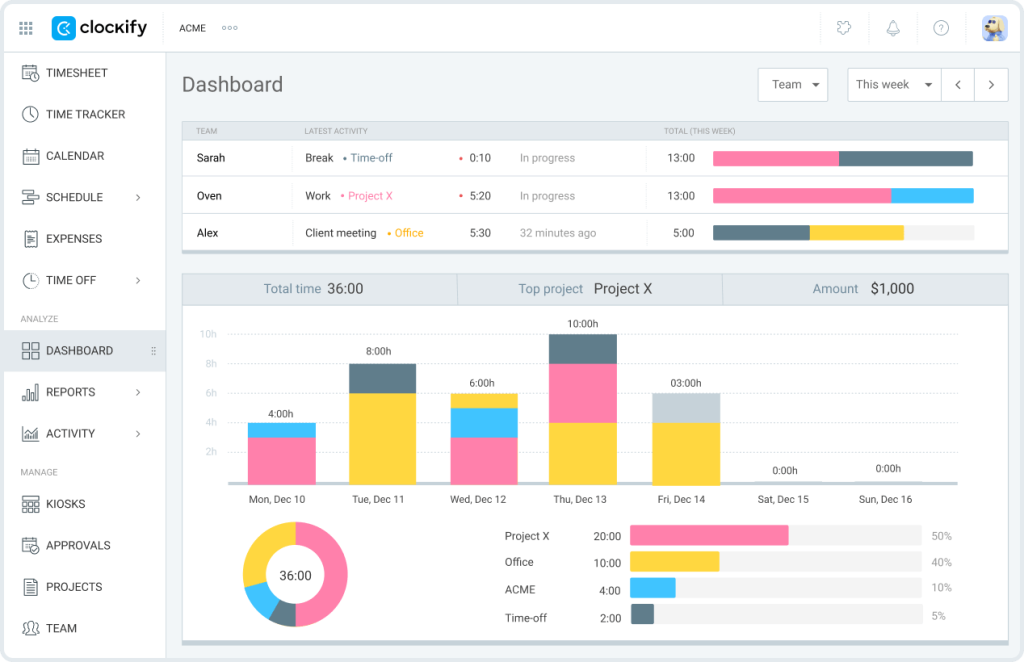
Best use case: Logging billable hours per client and generating clean reports to attach to invoices.
6. Calendly – Automate Your Scheduling
Back-and-forth scheduling emails are a waste of time.
Calendly lets clients book meetings directly on your calendar. You set your availability, share a link, and it handles the rest. Confirmations and reminders go out automatically. No follow-up needed.
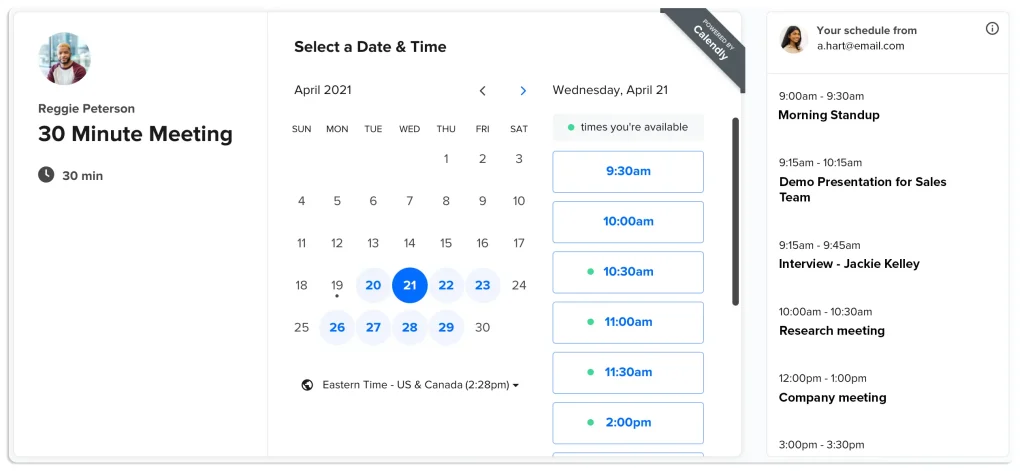
Free plan includes: One event type, unlimited bookings, and calendar integrations with Google, Outlook, and Apple.
One event type is the limitation on the free plan, but for most freelancers, one type (like a “30-minute intro call”) covers the main use case.
Best use case: Discovery calls and client check-ins with zero scheduling friction.
7. Wave – Free Invoicing With Automatic Reminders
Wave is a free accounting and invoicing tool built for freelancers and small businesses.
You create professional invoices, send them to clients, and set up automatic payment reminders. When a client pays, Wave logs it. You can also connect your bank account to track income and expenses automatically.
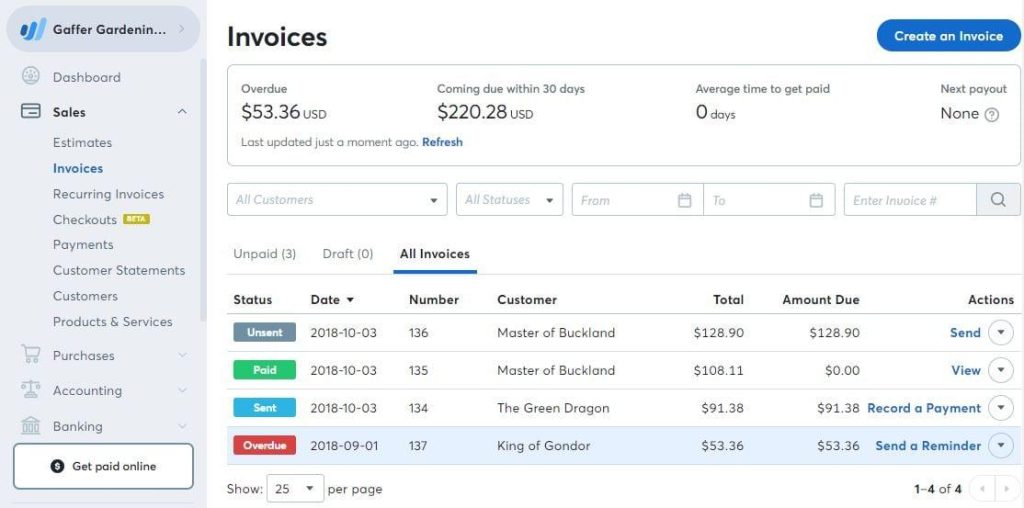
Free plan includes: Unlimited invoicing, expense tracking, and accounting. Payment processing has a transaction fee.
The only cost is the payment processing fee if clients pay online. The core tools are completely free.
Best use case: Replacing manual invoicing with a system that follows up for you.
8. Slack – Organize Client Communication for Free
Email threads spiral fast. Slack keeps client communication organized by channel or project.
The free plan stores 90 days of message history and allows unlimited one-to-one messages. You can also integrate Slack with your other tools. New Trello card? Get a Slack notification. Zapier trigger fires? Post a summary to your Slack channel.
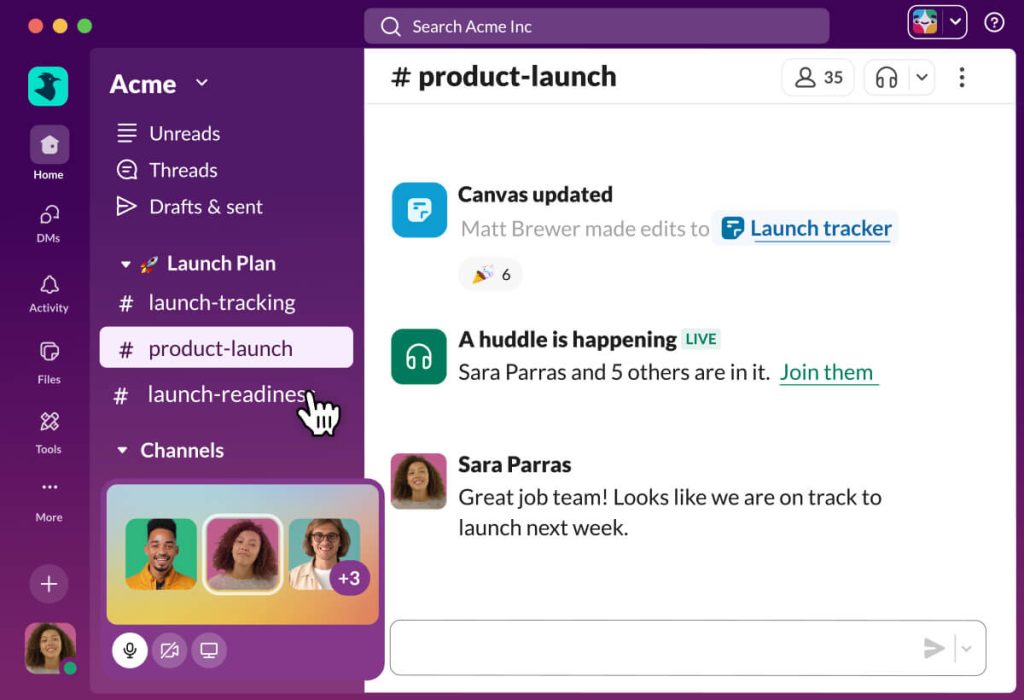
Free plan includes: 90 days of message history, unlimited users and channels, and 10 app integrations.
Best use case: Keeping client conversations separate from your inbox, especially for ongoing retainer clients.
How to Stack These Tools Together
Using one tool helps. Stacking them changes how you work.
Here is a simple setup that costs nothing:
- A client books a call via Calendly
- Zapier creates a new card in Trello and a new page in Notion
- The project kicks off and you track hours in Clockify
- When it wraps, you generate a report and invoice through Wave
- You send updates through a Slack channel
That entire workflow is automated. All you do is show up and do the work.
Start with one connection. Get comfortable. Then add another. Do not try to automate everything on day one.
Key Takeaways
- Zapier (free tier) connects your tools through simple automated triggers.
- Make offers more free operations per month for complex workflows.
- Trello with Butler handles project tracking and automatic status updates.
- Notion gives you a free central hub for clients, projects, and notes.
- Clockify tracks billable time with zero limits on the free plan.
- Calendly eliminates scheduling back-and-forth with one shareable link.
- Wave automates invoicing and sends payment reminders for free.
- Slack keeps client communication clean and searchable.
- Stack these tools with Zapier to create a fully automated freelance workflow.
- Start simple. Automate one pain point first, then build from there.
FAQs
Q: Can I run a full freelance business using only free tools?
Yes. Zapier, Notion, Trello, Clockify, Calendly, and Wave together cover invoicing, scheduling, time tracking, and project management. Many freelancers run their entire operation without paying for a single tool until they are earning enough to justify upgrades.
Q: What is the best free automation tool for connecting different apps?
Zapier is the most popular choice for its ease of use, but Make (formerly Integromat) gives you more free operations per month and supports more complex multi-step workflows at no cost. Start with Zapier. Switch to Make if you hit the task limit.
Q: How many tasks can I automate with Zapier’s free plan?
Zapier’s free plan allows 100 tasks per month with single-step Zaps. That is enough to automate basic workflows like adding a new Calendly booking to a Trello board or logging a client in Notion. For more complex or high-volume workflows, Make’s free plan at 1,000 operations per month is the better option.
Q: Is Clockify really free for freelancers?
Yes. Clockify’s free plan includes unlimited users, unlimited projects, and unlimited time tracking. You get weekly and monthly reports, export options in PDF and CSV, and integrations with tools like Trello, Asana, and Google Calendar. You never have to upgrade unless you need advanced features like GPS tracking or screenshot monitoring.