
Getting stiffed on payment is the fastest way to kill your freelance business.
I’ve talked to enough solopreneurs to know the pattern.
No contract, vague scope, client disappears after delivery.
The fix isn’t complicated. You need a signed agreement before you touch the work.
The problem is picking the right tool.
There are dozens of contract platforms out there, and most freelancers waste hours comparing feature lists that don’t matter. Here’s what actually matters and which tools deliver it.
Best Contract Tools for Freelancers: Quick Overview
Let’s have a quick glance at the 6 best contract tools for solopreneurs and freelancers.
| Tool | Starting Price | Best For | Free Plan |
| Bonsai | ~$15-25/month | All-in-one freelance suite with legal templates | No |
| PandaDoc | Free (paid from $19/user/month) | Unlimited free e-signatures | Yes |
| DocuSign | ~$10-15/month | Enterprise and corporate clients | No |
| Agiled | Free (paid from $29/month) | Contracts tied to CRM and invoicing | Yes |
| Dropbox Sign | ~$15/month | Freelancers already using Dropbox | Limited |
| HoneyBook | ~$36/month | Creatives who want proposal-to-contract flow | No |
What Actually Matters in a Contract Tool
Most comparisons obsess over the editor. That’s the wrong place to look.
Judge a contract tool on three things.
First, does it use freelance-specific clauses?
Scope limits, revision caps, kill fees, and IP transfer terms matter more than font choices.
Second, does the signature connect to a deposit?
A signed contract without a deposit request is still just a maybe.
Third, can you find the signed copy fast when a dispute shows up eight months later?
Get those three right and the rest is preference.
1. Bonsai: Best All-In-One Freelance Suite
Bonsai built its name on freelance contracts before it expanded into proposals and invoicing.
Its templates come with legal input for specific niches like design, development, and writing.
That matters if you don’t want to guess whether your contract covers scope creep or late payment interest.
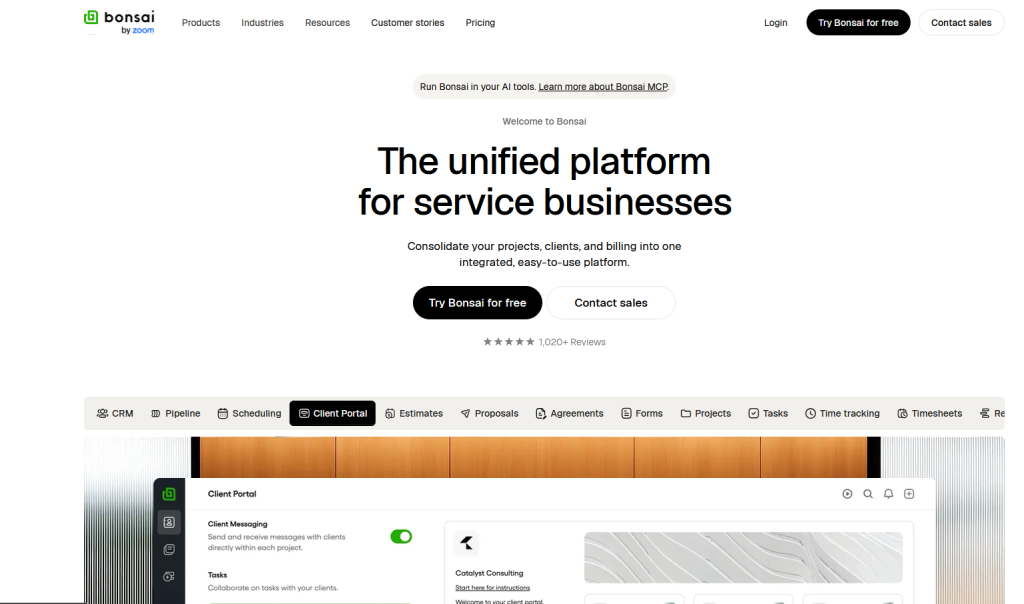
The signed agreement also connects directly to your invoices and client records, so you’re not hunting through email six months later.
Pricing runs from about $15 to $25 a month depending on billing cycle. That’s higher than a pure e-signature tool, but you’re paying for the whole workflow, not just a signature box.
Bottom line: Bonsai is the strongest pick if contracts, proposals, and invoicing all live in one place for you.
2. PandaDoc: Best Free E-Signature Plan
PandaDoc offers something rare in this space. A genuinely free plan with unlimited legally binding e-signatures.
Upload a contract you already have, drop in signature fields, and send.
No document limit, no monthly cap.
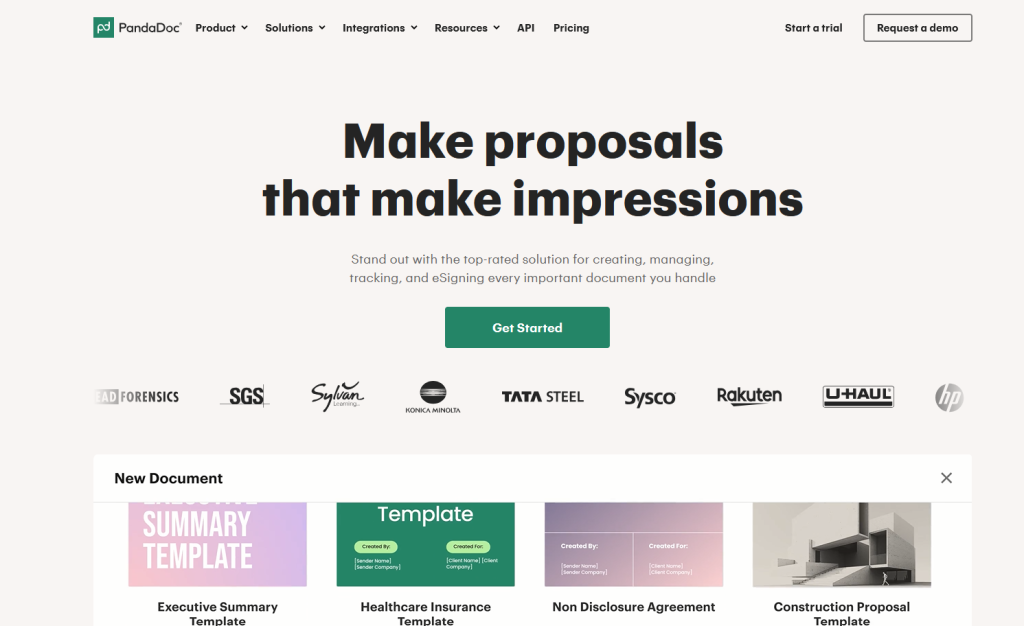
That’s the whole pitch, and it works well if a lawyer already wrote your agreement and you just need the signing layer.
The catch: the free plan signs documents but doesn’t write, store, or follow up on them.
Your invoicing and client records stay somewhere else.
Paid tiers start around $19 per user per month and add templates and a content library.
Bottom line: Use PandaDoc’s free plan if you already have a solid contract template and just need signatures.
3. DocuSign: Best for Corporate Clients
DocuSign is the name every procurement department recognizes.
If your clients are large companies with formal legal review, sending a DocuSign envelope skips friction that an unfamiliar tool might create.
That brand recognition is the entire value proposition here.
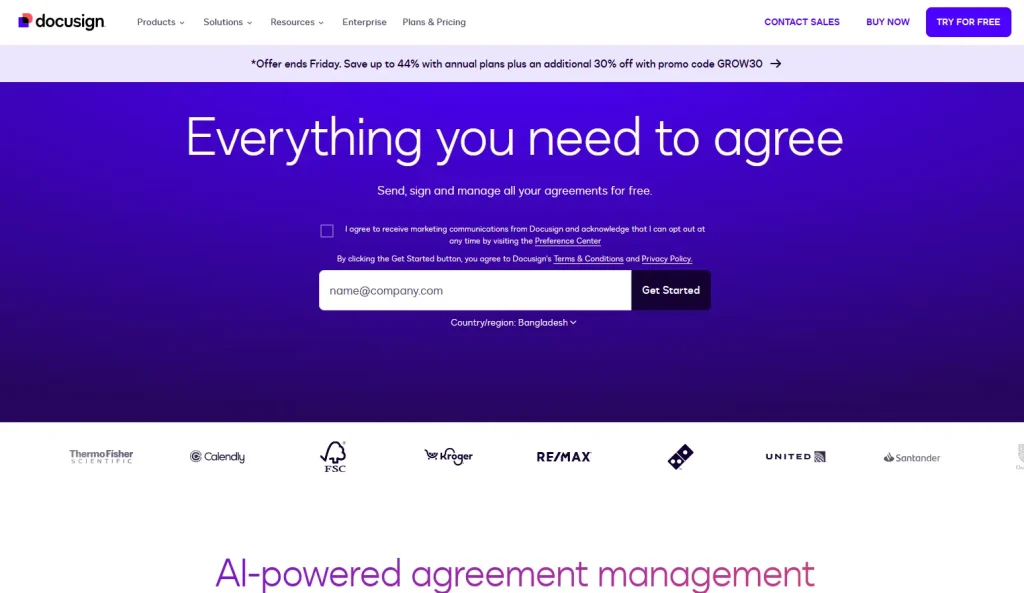
Pricing starts around $10 to $15 a month on the Personal plan, but that tier caps you at five envelopes a month.
Hit that limit fast if you’re sending multiple contracts weekly, and you’ll need to upgrade.
Bottom line: Pick DocuSign only if your clients specifically expect it. Otherwise the envelope cap gets annoying fast.
4. Agiled: Best Free All-In-One Option
Agiled includes contracts with e-signature for free, bundled alongside CRM and invoicing tools.
That’s a hard combination to beat at zero cost.
You get a signed agreement, a client record, and a deposit invoice in one flow, without paying anything until you outgrow it.
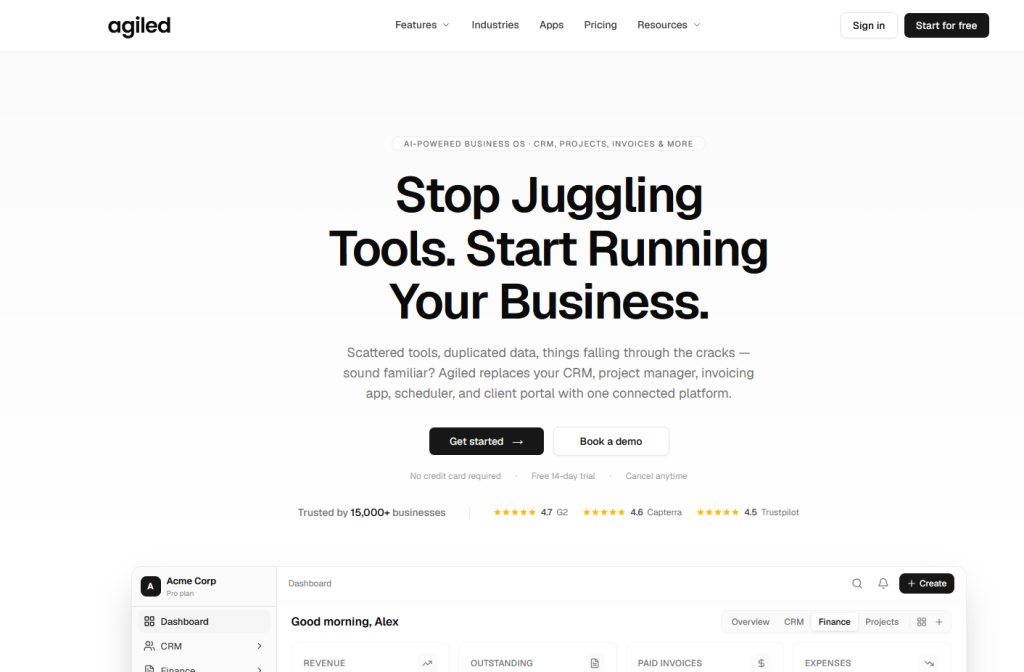
The tradeoff is template quality. Agiled’s templates lean business-generic rather than freelance-specific.
If you want attorney-drafted, niche clauses out of the box, Bonsai ships more of them. Paid plans start at $29 a month for unlimited documents and automation.
Bottom line: Start here if budget matters most and you’re fine building out your own clause library over time.
5. Dropbox Sign: Best for Simple, Fast Signing
Dropbox Sign, formerly HelloSign, is a clean tool built for freelancers who already store files in Dropbox.
/image
It does one job and does it fast: send a contract, get it signed, done.
No proposal builder, no CRM, no distractions.
The free tier caps out at around three documents a month, which working freelancers burn through quickly.
The paid Essentials plan runs about $15 a month for unlimited requests.
Bottom line: Good fit if your document life already lives in Dropbox and you want zero extra learning curve.
6. HoneyBook: Best for Creative Freelancers
HoneyBook builds contracts into a full client booking flow, useful for photographers, designers, and other creatives who send proposals constantly.
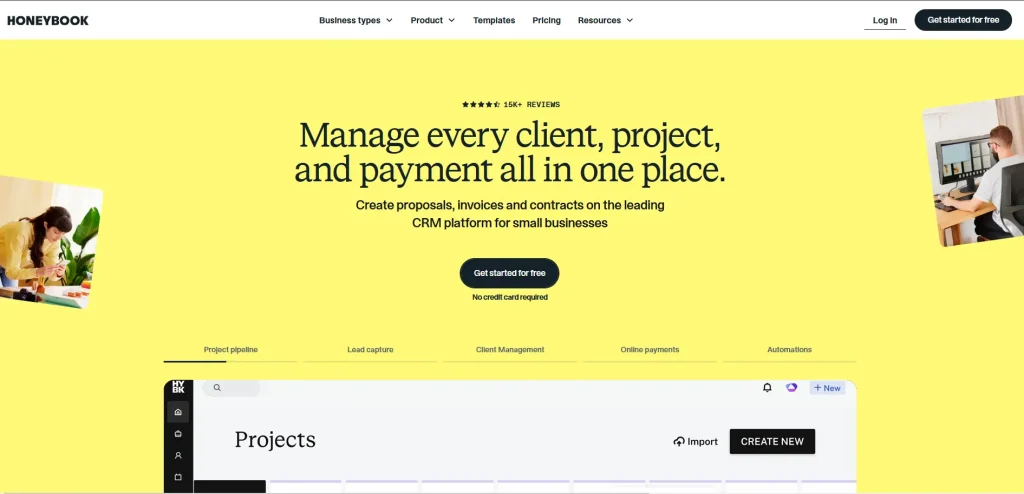
Clients can view a proposal, sign a contract, and pay a deposit in one sitting.
That single-session flow is the main selling point.
Pricing runs about $36 a month, though first-year promotions are common.
The tradeoff is that HoneyBook is a booking flow, not a dedicated contract manager. Clause libraries and post-signature contract management are thinner than what Bonsai or Agiled offer.
Dubsado is a great alternative for Honeybook if you’re looking for Smart Fields tool that pull client details (like names, dates, and prices) directly into your contract to save you time
Bottom line: Worth it if your business runs on quick client bookings and you value the all-in-one-sitting experience.
Key Takeaways
- Judge a contract tool by clauses and deposit collection, not editor features.
- PandaDoc’s free plan covers pure e-signature needs with no document cap.
- Bonsai and Agiled connect contracts directly to invoicing and client records.
- DocuSign only makes sense if your clients specifically expect that brand.
- Every tool on this list produces legally binding signatures under the ESIGN Act and eIDAS.
Frequently Asked Questions
Q1. Are e-signatures from these tools legally binding?
Yes. All the tools covered here comply with the U.S. ESIGN Act, UETA, and the EU’s eIDAS regulation. Each includes an audit trail with a timestamp and IP address, and courts routinely uphold e-signed freelance agreements.
Q2. Do I need a separate contract tool if I already use invoicing software?
It depends on the pairing. The contract sets the terms your invoice enforces, like late fees and revision limits. Tools like Bonsai and Agiled keep both on the same client record, which helps when a payment conversation gets tense.
Q3. What should a freelance contract actually include?
At minimum: scope of work, payment terms, revision limits, a kill fee for early termination, and clear intellectual property transfer language. IP should transfer on final payment, not on delivery.
Q4. Can I use a free contract tool if I’m just starting out?
Yes. PandaDoc’s free e-sign plan and Agiled’s free tier both cover the basics without cost. Upgrade once your client volume or template needs outgrow them.
Final Word
Stop sending work without a signed contract.
Pick a tool that matches how you actually work.
If you want everything connected in one place, go with Bonsai or Agiled.
If you just need a signature on a contract you already trust, PandaDoc’s free plan gets it done.
The best contract tool is the one you’ll actually use every single time.