
Notion and ClickUp are two top tier productivity tools preferred by solopreneurs for day to day organization.
Both promise to organize your entire business and have loyal fans who swear by them.
But they solve different problems. Notion is your flexible notebook. ClickUp is your structured operations engine.
I dug into pricing pages, Reddit threads, and real freelancer reviews to break down which one actually works for someone running a business solo. Here’s what I found.
Key Takeaways
- Notion is the better fit for flexible, document-heavy solo businesses that want full creative control over their workspace.
- ClickUp wins on built-in task management, automation, and scaling toward a team later.
- Notion’s free plan is more generous for solo use. ClickUp’s paid entry tier is cheaper if you need project management features.
- AI costs extra on both, but it’s bundled into Notion Business while ClickUp sells it as a separate add-on.
- Try the free version of both for a week before committing. Your actual workflow will tell you more than any feature list.
Table of Contents
Notion vs ClickUp: Quick Comparison Table
| Feature | Notion | ClickUp |
| Free plan | Unlimited pages for individuals | Unlimited tasks, 100MB storage |
| Starting paid price | $10/member/month (Plus) | $7/user/month (Unlimited) |
| Best for | Docs, wikis, client knowledge bases | Task management, automation, deadlines |
| Learning curve | Low to moderate, blank slate setup | Moderate to high, feature-dense |
| Built-in automations | Limited, relies on integrations | Strong, 1,000+ actions on paid plans |
| AI features | Bundled into Business plan ($20/seat) | Separate add-on (ClickUp Brain) |
| Offline access | Limited | Available on desktop and mobile |
| Templates | Huge community template library | Built-in templates for PM workflows |
What Notion Does Best for Solopreneurs
Notion is a blank canvas. You build the system you actually need, nothing more.

It’s a Documentation Powerhouse
If your business runs on knowledge, client notes, SOPs, content calendars, Notion organizes it beautifully.
You can link pages together and create a real second brain for your business.
The Free Plan is Genuinely Usable
Solo users get unlimited pages and blocks at zero cost.
Notion’s free plan includes unlimited pages, unlimited blocks, and supports up to 10 guests, with 7-day version history.
That’s enough for most one-person operations.
Customization is The Whole Point
Want a CRM, content tracker, and invoice log on one dashboard?
Build it.
Want it minimal with three pages total?
Build that instead. Notion doesn’t force a structure on you.
Why it Matters
If you’re a writer, coach, designer, or consultant who thinks in documents and notes rather than tasks and timelines, Notion will feel like home.
The tradeoff?
You have to build everything yourself.
There’s no project management system waiting for you out of the box.
You either find a solid template or spend a weekend setting one up.
What ClickUp Does Best for Solopreneurs
ClickUp ships with the structure Notion makes you build.
Task Management is The Core Strength
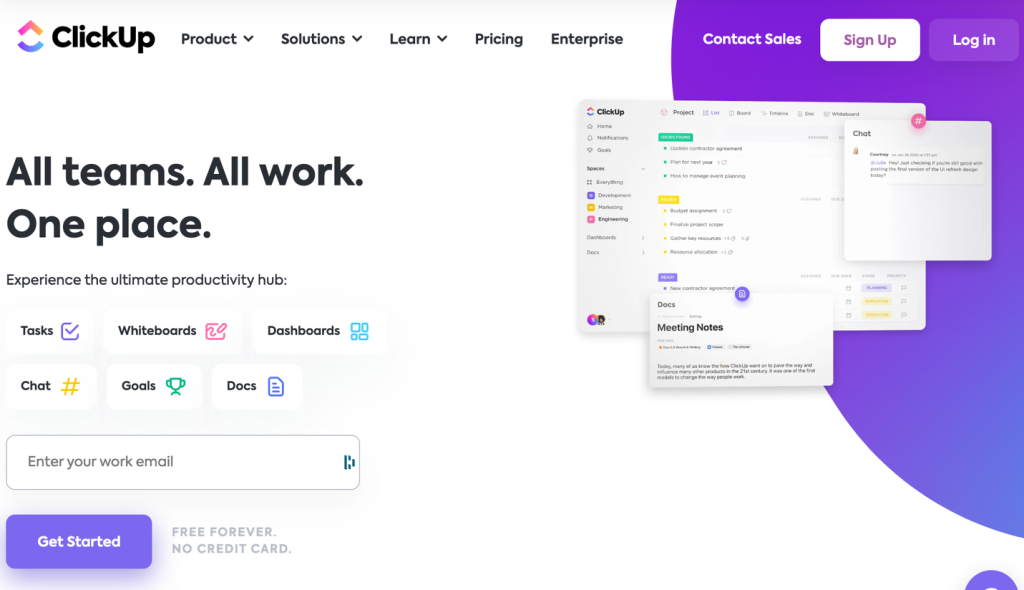
Lists, boards, calendars, Gantt charts.
Every view you’d want for tracking deadlines already exists.
You don’t need to design a system, you just need to fill it in.
Automation Saves Real Time
ClickUp’s paid plans include built-in automations for repetitive tasks, like moving a task to “Done” when all subtasks are checked off.
The Unlimited plan includes 1,000 automations per month, which covers most solo workflows without extra setup.
It Scales Without Switching Tools
Many solopreneurs eventually hire a contractor or virtual assistant.
ClickUp’s team features are already built in, so you won’t need to migrate later.
Why it Matters
If you juggle multiple clients with hard deadlines, ClickUp’s structure keeps things from slipping through the cracks.
The tradeoff?
It can feel like too much, too fast.
One freelancer who tested both tools put it simply: ClickUp is built for teams, so even solo users get hit with a wall of features right away.
That’s a common complaint among solo users.
Pricing Breakdown: Notion vs ClickUp
Price matters more when you’re paying for yourself, not expensing it to a company.
Notion Pricing
Notion’s Free plan costs $0 per member per month, built for individuals organizing personal projects.
The Plus plan runs $10 per member per month, aimed at small teams and professionals working together.
Business jumps to $20 per member per month and bundles in Notion Agent, AI meeting notes, and SAML SSO.
For a true solopreneur, Free or Plus covers almost everything you need.
You likely won’t need Business unless you want the bundled AI agent features.
ClickUp Pricing
ClickUp’s Free Forever plan works, but storage caps out fast.
Paid plans start at $7 per user per month for the Unlimited tier, scaling up to $12 per user per month for Business.
ClickUp Brain, the AI add-on, costs an extra $7 per user per month on top of any paid plan.
So a solo user wanting full task management plus AI lands somewhere between $14 and $19 a month.
That undercuts Notion’s Business tier, but stacks differently since AI here is a separate charge.
Why it Matters
Notion is cheaper at the entry level if you don’t need AI.
ClickUp is cheaper if you want a full, leading project management tool as a solopreneur without paying for a “Business” tier just to unlock automations.
Ease of Use: Which One Gets You Started Faster
Notion’s learning curve is deceptively steep.
The interface is simple, but a blank page can be paralyzing without a template.
ClickUp throws every feature at you on day one.
Dashboards, views, statuses, priorities. It’s powerful, but the setup itself takes longer to feel natural.
Reviewers comparing both for solopreneurs note the split clearly:
Notion is easier to learn thanks to its clean interface, while ClickUp takes more setup time but offers deeper automation once you’re comfortable with it.
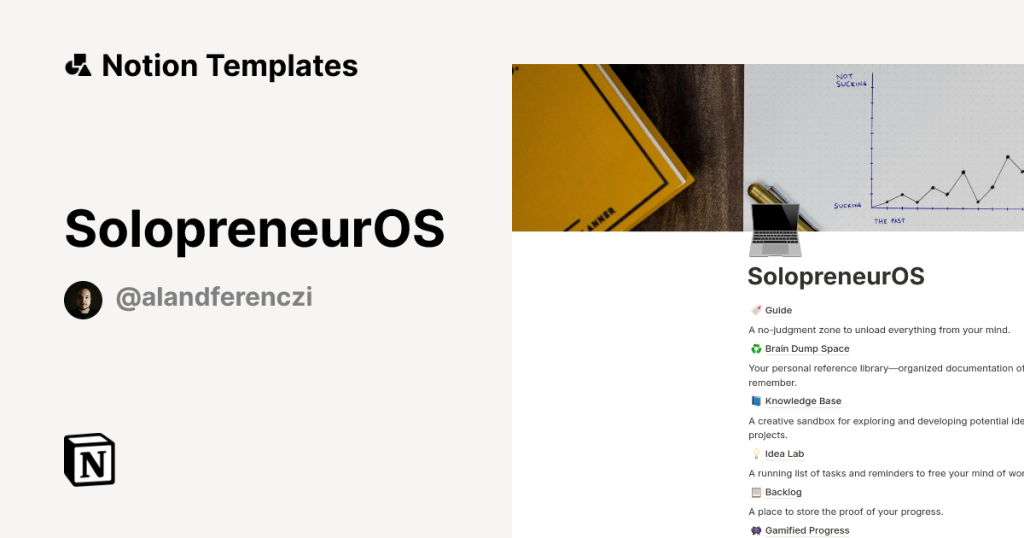
If you want to start working today, Notion templates get you moving faster.
If you want a system that runs itself once it’s built, ClickUp’s setup time pays off later.
Which Tool Fits Your Type of Solo Business
Not all solopreneurs work the same way. Match the tool to how you actually operate.
Choose Notion if:
- You write content, manage documentation, or build knowledge bases
- You want full control over how your workspace looks and functions
- Your work is more creative than deadline-driven
- You’re a coach, designer, writer, or consultant managing a handful of clients
Choose ClickUp if:
- You manage multiple clients with strict deadlines
- You want built-in automation without connecting third-party tools
- You plan to hire help and need the system to scale with you
- You’re a developer, project-based freelancer, or service provider juggling timelines
Some solopreneurs use both.
Notion handles documentation and client-facing material. ClickUp runs the actual project execution.
It’s not the cheapest setup, but it solves the structure-versus-flexibility tradeoff completely.
You can also opt for Obsidian as instead of Notion. We’ve comprehensively covered the differences between Notion and Obsidian for solopreneurs.
FAQs
Is Notion or ClickUp better for a solo freelancer just starting out?
Notion is usually the easier starting point. The free plan is generous, and the learning curve is gentler if you don’t yet have a complex workflow to manage.
Can I use Notion for project management instead of ClickUp?
Yes, but you’ll need to build the system yourself using databases and templates. Notion doesn’t include native automations or Gantt charts, so it takes more manual setup than ClickUp.
Do I need the paid plan on ClickUp as a solopreneur?
Not immediately. The Free Forever plan covers basic task tracking. Most solo users upgrade once they hit storage limits or want automations, which start on the Unlimited tier at $7 per user per month.
Is ClickUp Brain or Notion AI better for a solo business?
Notion AI is now bundled into the Business plan, making it a flat cost increase. ClickUp Brain is a separate add-on on any paid plan. If you only need occasional AI help, test both free trials before paying for either.